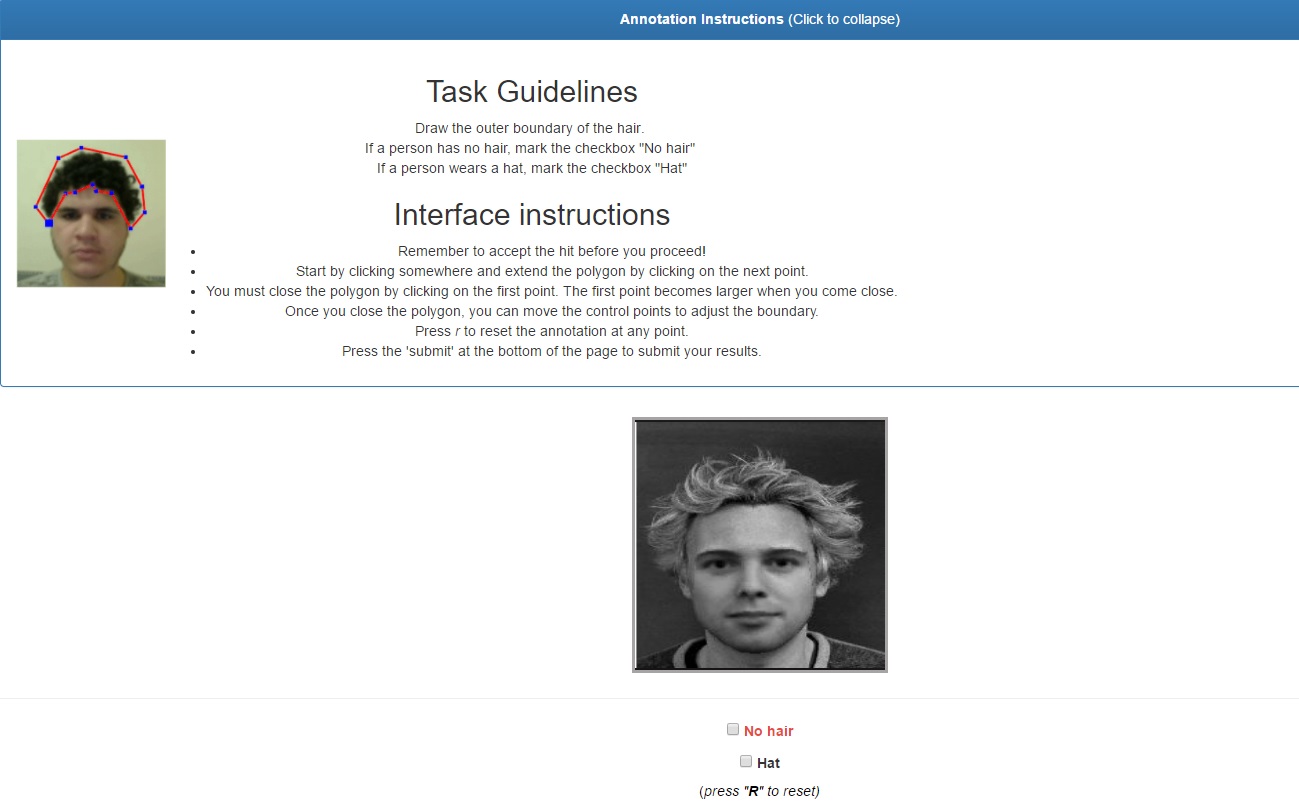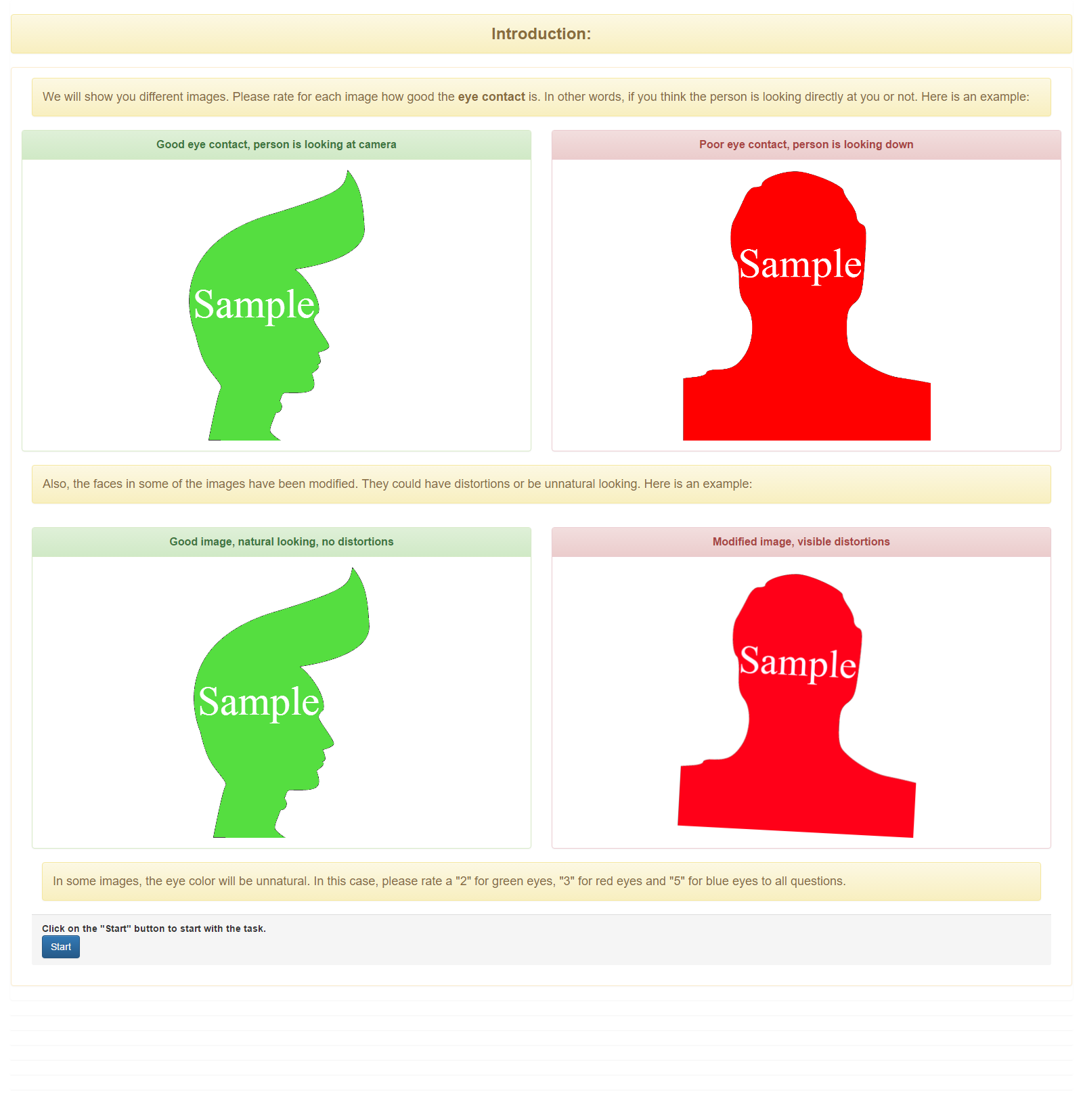
We have added more default templates that may match your task requirements so you can easily create your own campaign. These default templates can be edited and/or updated to fit your campaign requirements. New default templates are as follows: 1. Image Quality Rating (Dynamic with Test Questions) ***Please click the images for better viewing […]
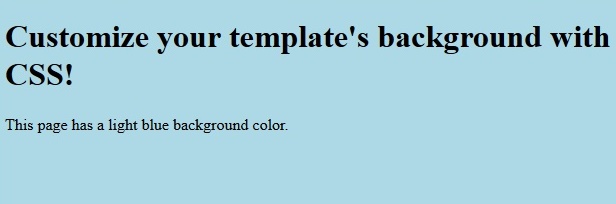
Designing templates is now made easier with Javascript and CSS! HTML (Hypertext Markup Language) is the basic language used to create a web page with text, image, links and forms. With HTML, you can only produce simple looking templates. CSS (Cascading Style Sheets) commands how your elements will look in your screen. For example, you […]
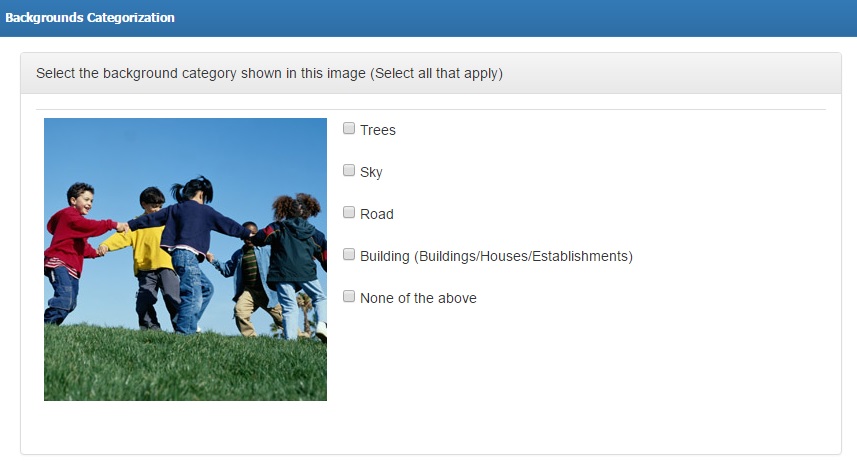
In connection with our latest article on Auto Rate feature, this tutorial will show you how you can apply the feature into your campaign. Let us say your campaign requires workers to categorize backgrounds seen in your provided image. There are 5 given keywords for workers to select. Campaign template may look like this: Scenario […]
Rating tasks is now more convenient with the Microworkers-TTV Rating Template. This new feature allows you to list only the data you need to view in order to quickly rate tasks without having to do a lot of scrolling or viewing the instructions provided to Workers, which you (Employer) no longer need to see. To […]
We are constantly working on additional features for our users to ensure delivery of high quality service, thus we have implemented an add-on to Auto Rate Tasks feature. This added feature in auto rate tasks is very useful to campaigns resulting to have random answers such as Evaluation of a certain subject, Annotating given conditions, Assessment […]

No Comments