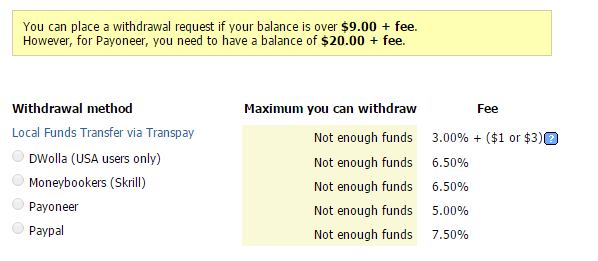
Just recently, Microworkers have added a withdrawal option, now allowing Workers to withdraw earnings to their bank via Transpay (See related post). Along with this new payment system, activation of withdrawals via PIN has also been waived. This means that when choosing Transpay in placing your first withdraw request, you will no longer be […]
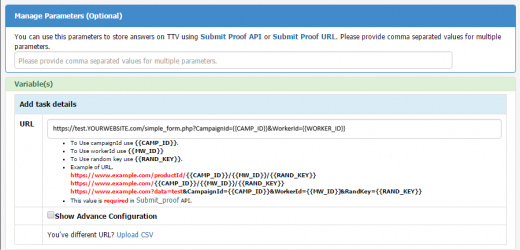
When utilizing External Template for your campaign, you have two options for submitting proof: ___________________________________________________ 1) Using API using PUT data: /Campaign/submit_proof/<type>/<campaign_id> The value of ‘type’ can be ‘B’ or ‘HG’ (Campaign type). Please refer to this Documentation for Submit Proof using API in External Campaign: Submit Proof using API ___________________________________________________ 2) Using Submit Proof […]
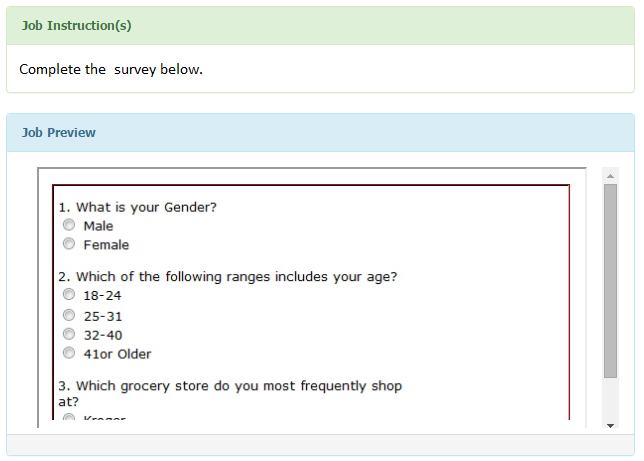
When your custom tasks do not fit the provided Templates under Microworkers TTV, you may host an External Campaign that direct Workers to your own webpage (containing your tasks/questions) via an iframe in the Worker’s DoTask page. This allows the Worker to complete tasks/submit answers directly to your form, then send the results back to […]
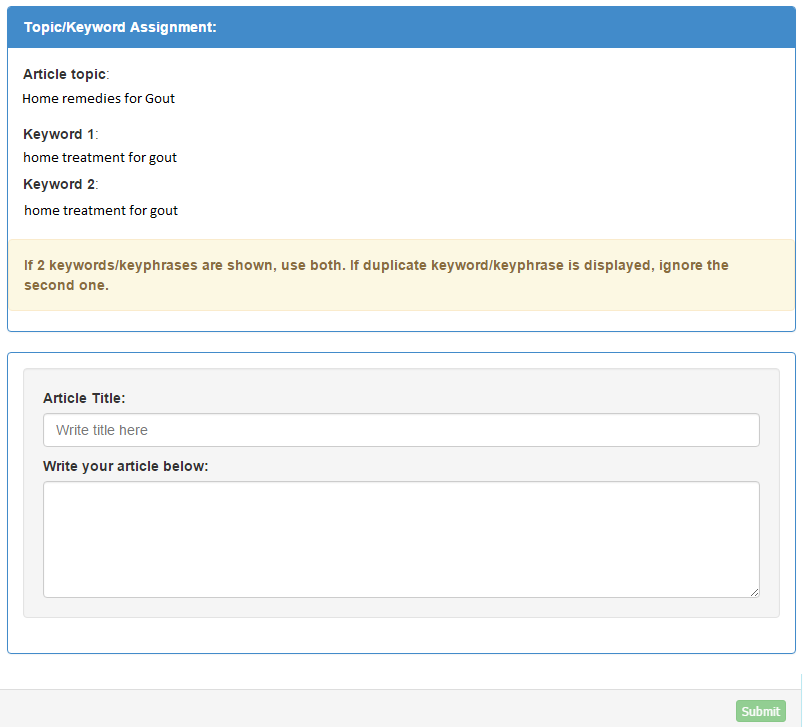
If you have read our previous post on Qualification Tests, you would recall how these tests were described to help Workers get better chances at getting hired on tasks requiring specific skills. Miroworkers has just launched a few of its own Qualification Tests aimed at determining Workers who are capable of taking on tasks belonging […]
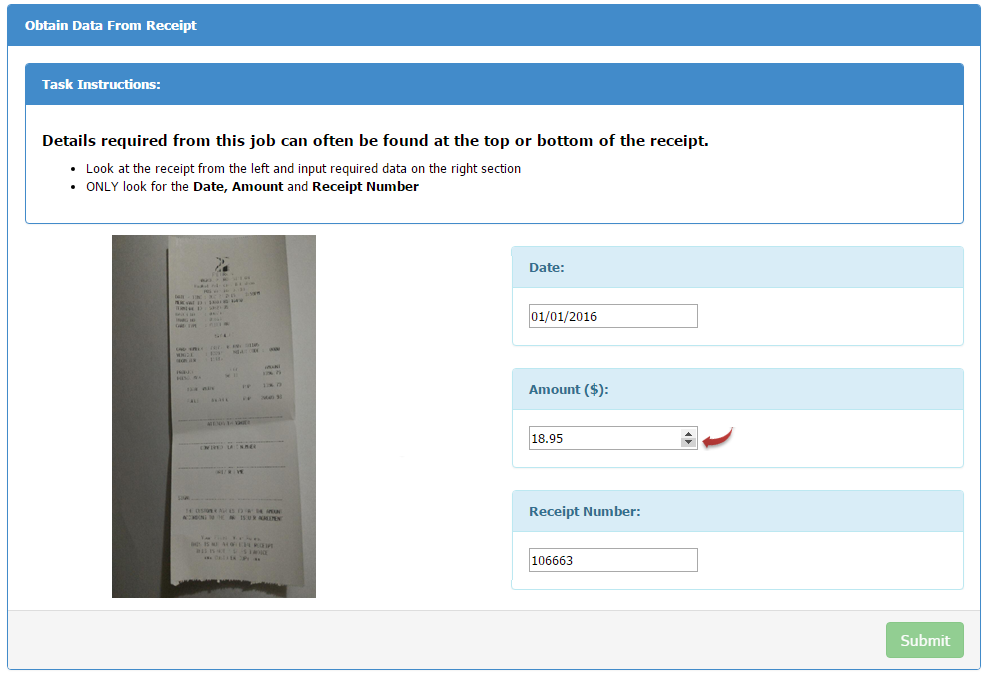
This is a continuation of the previous tutorial on date and number validation. _____________________________________ There are many campaigns needing number validation involving decimal points (temperature, weight, amount… etc). This tutorial will help you quickly add such validation input in your template and no longer have the Workers manually type the number, thus better assuring accuracy […]

3 Comments