
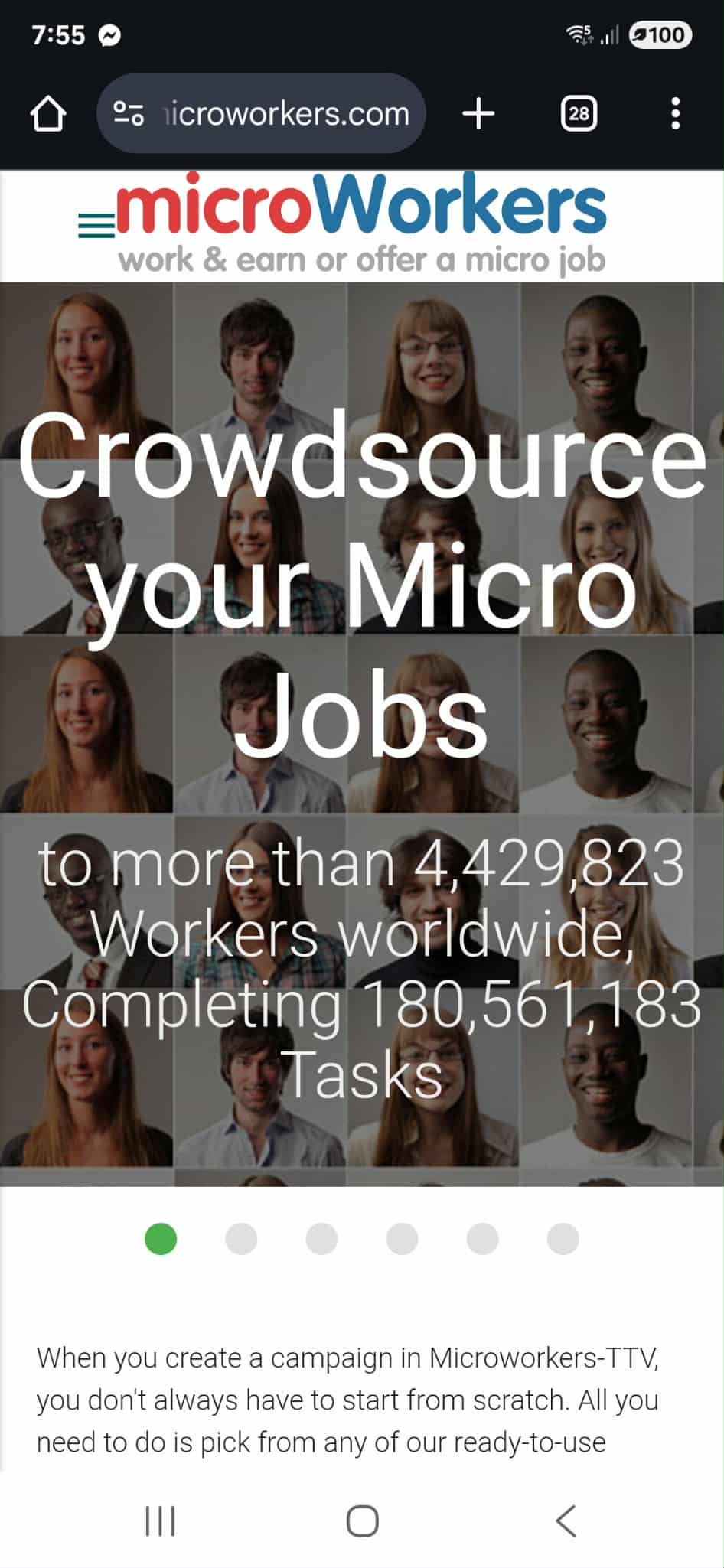
Every notification is a chance — a new task, a new campaign, a new way to maximize Microworkers on the go. The future of work isn’t tied to office chairs or desktop screens anymore. It is happening right now, through mobile platforms like Microworkers. With just a smartphone, Employers can connect with a global workforce in real time and Workers can earn anytime, anywhere. Simply put, if your phone is in your hand, Microworkers is already at your fingertips.
Why Mobile Matters on Microworkers
The rise of mobile technology has changed the way we live, communicate, and now, how we work. On Microworkers, this shift is even more pronounced. Tasks are being completed faster because Workers no longer need to wait until they are in front of a computer. Employers, in turn, gain access to a larger pool of Workers who can complete assignments on the spot.
For Employers, mobile means efficiency and speed. A campaign launched in the morning can see submissions pouring in within minutes, thanks to Workers who are already logged in via their phones.
For Workers, mobile means freedom and flexibility. Instead of being tied to a desk, you can complete a survey during your lunch break, take a screenshot while waiting for your bus, or upload proof of a quick sign-up while standing in line.
This immediacy not only shortens turnaround times but also ensures campaigns reach a wider audience.
Tips for Employers: Designing Campaigns for Mobile Success
Employers benefit tremendously when they design campaigns with mobile users in mind. Here’s how to make your projects more mobile-friendly:
-
Write Clear, Simple Instructions
Mobile users don’t have the luxury of large screens. Avoid long paragraphs and instead use bullet points, numbering, and short sentences. For example, instead of saying “Please look at each image carefully, identify the object in the picture, label it correctly, and then submit your work,” you can write:
- Open the image
- Identify the object
- Add the correct label
- Submit
-
Check Links for Mobile Compatibility
Before launching a campaign, test your links on your own phone. If they’re slow, broken, or not optimized for mobile, Workers will struggle and you’ll get fewer quality submissions.
-
Request Simple Proofs
Proofs that are easy to capture on mobile like screenshots, short texts, or a confirmation code encourage more participation. Avoid asking for complex uploads like multiple PDFs or long documents.
-
Consider Task Length
Mobile Workers are often on the go. Tasks that take 1–5 minutes are more likely to be completed quickly. If your campaign requires more time, make sure the instructions are extremely clear and compensation reflects the effort.
-
Be Mindful of Data Usage
Asking Workers to download large files or apps can discourage participation, especially in countries where mobile data is costly. Where possible, keep tasks light.
-
Test Before You Launch
Try completing your own campaign from a mobile device. If you find it difficult or confusing, Workers will too. This small step can drastically improve campaign success. To make testing easier, use the Microworkers Sandbox account, which allows you to simulate the Worker’s experience. This way, you can spot problems early, simplify instructions, and ensure your campaign runs smoothly. To know more about Sandbox, please visit this blog article:
Microworkers’ Free Sandbox Tool
Tips for Workers: Making the Most of Microworkers on Mobile
Maximizing Microworkers on mobile isn’t just about convenience — it’s about working smart. Here are some practical tips to help you succeed:
-
Organize Your Device for Productivity
Create a dedicated folder for work-related apps, including Microworkers, note-taking tools, screenshot utilities, and cloud storage (like Google Drive or Dropbox). This saves you from scrambling when proof submission is needed.
-
Master Your Phone’s Built-in Tools
Learn shortcuts for taking screenshots, screen recordings, and saving links. These are the most common forms of proof required in campaigns, and knowing how to capture them quickly gives you an edge.
-
Enable Notifications for Speed
Campaigns can fill up fast. By keeping notifications on, you’ll know the moment new jobs are available, increasing your chances of securing tasks before others. Configure you email notifications from Microworkers in the Account page.
-
Use Wi-Fi Whenever Possible
Some campaigns involve downloading apps or streaming videos. Doing this on mobile data can eat into your balance. Whenever you can, connect to Wi-Fi for smoother task completion and proof uploads. Please ensure you are only using a secured Wi-Fi connection to protect your account and personal information.
-
Work in Micro-Moments
You don’t need an hour to be productive. Use idle minutes throughout the day — waiting for food, sitting in traffic (as a passenger), or winding down before bed — to complete quick tasks. These add up over time.
-
Keep Your Phone Powered and Ready
A low battery can mean missing out on campaigns. Carry a power bank or charging cable so you’re always ready to participate.
-
Stay Professional Even on Mobile
Just because you’re working on your phone doesn’t mean you should rush or cut corners. Always read instructions carefully and double-check your proof before submitting. Quality still matters.
The Advantages of Going Mobile
Mobile access isn’t just convenient, it expands opportunities:
- For Employers: It means faster turnarounds, broader participation, and the chance to engage Workers worldwide without delay.
- For Workers: It creates a steady stream of earning possibilities without requiring special equipment. With only a smartphone, you can participate in global digital work.
In short, mobile turns Microworkers into a truly “always-on” platform, available anywhere, anytime.
Key Takeaways
Microworkers on mobile has reshaped the way digital work happens. Employers enjoy the speed of a global workforce that is always connected while Workers gain the freedom to earn during small pockets of time. From simple sign-ups to more complex campaigns, the mobile experience ensures that opportunities are never out of reach. All it takes is a tap.
When work fits in your pocket, there’s no wasted time, quicker campaigns, just quicker tasks, and quicker results.
No Comments so far.
Your Reply